Find these elements in Library → Motion → Elements, section 3D. Click a tile to add it at the playhead, or drag it onto the timeline. Change its options in the Inspector. Colour options can link to your Brand kit.
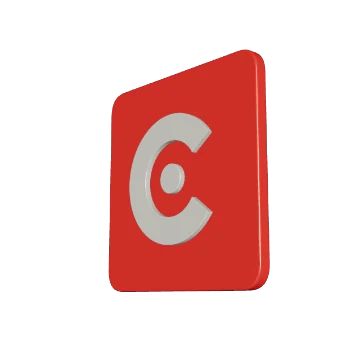
3D logo element poster
Your logo on a bevelled 3D plate that spins, sways or flips in, lit in brand colours on a transparent background. Key options:
  • Logo: an image from your project or the brand logo. Without one, a CoClip starter mark shows.
  • Preset: the motion, Spin, Swing or Flip in.
  • Plate color: the colour of the plate behind the logo.
When to use: intros, outros and sponsor moments where the logo should feel solid.

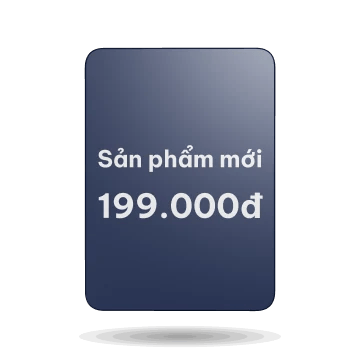
3D product card

3D product card element poster
A product card in 3D that floats, then flips at its cue to show the back image, or a title and price. Key options:
  • Front: the product image on the front.
  • Back: an image for the back. Leave it empty to show Back title and Back price instead.
  • Float: a gentle idle float while the card holds.
When to use: product reveals and offers in shopping or review videos.

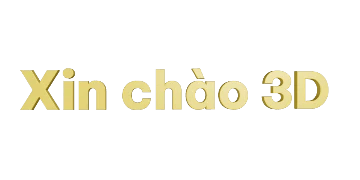
3D text

3D text element poster
One line of extruded, bevelled 3D text, up to 40 characters, that rises, turns in or drops in letter by letter. Key options:
  • Text: the line to show.
  • Preset: the entrance, Rise, Rotate in or Letters.
  • Depth: how thick the letters are (0 = flat).
When to use: a short title or a key word that should stand out from flat captions.
3D models you import into Media (.glb) are not clips and are not used by these three elements. A custom element in This project can draw them. See Elements overview.